
The v5.4 update of WebRotate 360 Product Viewer will include a handy new option in SpotEditor called Zoom to fill view.
Let's start with the problem. Many 360 product photography projects and even 3D renders are not shot or rendered on a perfectly uniform background. It could be a subtle grey studio gradient, a floor shadow, or a real-world environment such as a car photographed in 360 on a parking lot.
When images like these are imported into SpotEditor and published in a responsive viewer, extra empty margins around the image can stand out on different screen sizes. Viewer controls may look detached from the 360 product view, or the surrounding space may simply look odd.
To help with this, Zoom to fill view scales the images to cover the viewer area and remove empty margins around your 360 product spins or 3D product views. Depending on the image and viewer aspect ratio, the edges may be cropped slightly, so it's worth previewing the result before publishing online:
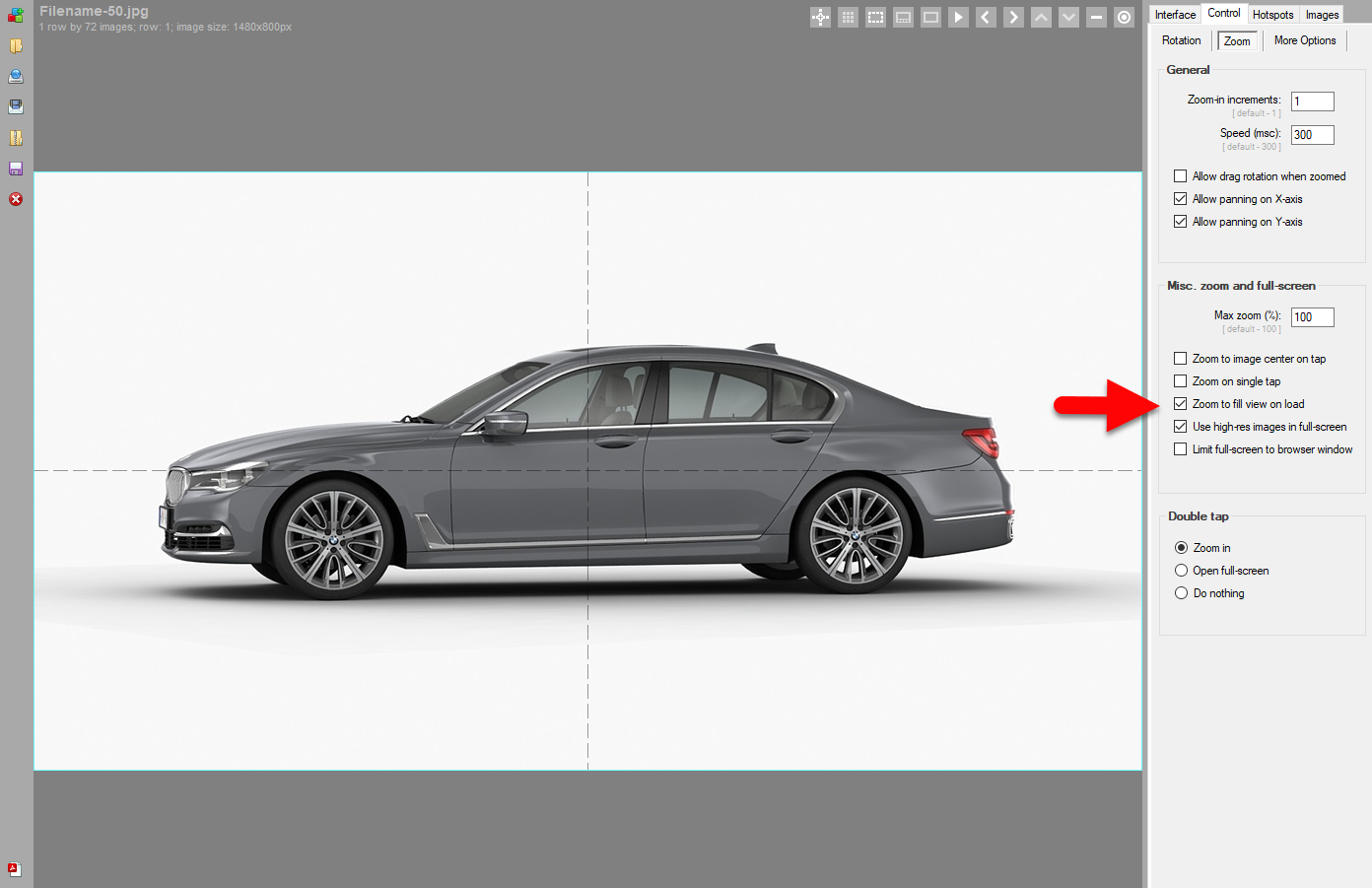
To enable it in SpotEditor, go to: Control -> Zoom -> Misc. and check Zoom to fill view on load and re-publish.